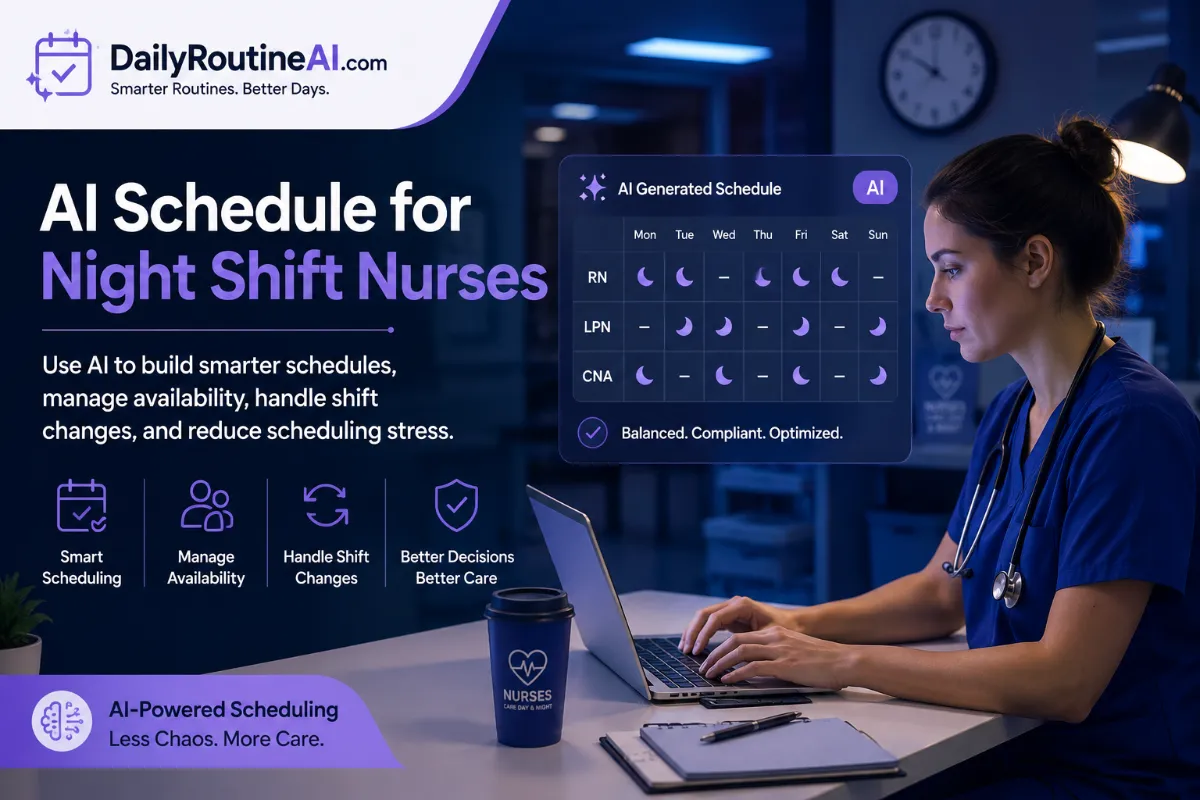
An AI schedule for night shift nurses is not simply a calendar generated by a chatbot. A useful system needs to work with real scheduling constraints, including staff availability, shift times, recurring rotations, time-off requests, coverage requirements, and last-minute changes.
That distinction matters. A schedule can look perfectly organized on a screen and still be unusable if the underlying rules or staff information are incomplete.
AI can help with the repetitive work of building and adjusting nurse schedules, but the final roster still needs human review. The goal is not to hand scheduling decisions over to AI. It is to give managers better software for handling the complicated parts of roster planning.
No specific scheduling software, personal experience, or performance statistics were provided for this article, so the examples below focus on practical workflows rather than claiming results from a particular tool.
What an AI Schedule for Night Shift Nurses Actually Does
An AI scheduling system takes information about staff, shifts, and scheduling rules and uses that information to produce a proposed roster.
For example, a scheduling workflow might consider which nurses are available on particular dates, which shifts need coverage, which staff members have requested time off, and which organization-specific rules must be followed.
The important word is proposed.
AI does not automatically know whether a generated schedule is appropriate simply because it satisfies the information entered into the system. A manager may still need to check assignments, coverage, conflicts, and other requirements before the roster is published.
A general-purpose AI assistant can also help organize scheduling information or create a draft from structured instructions. Dedicated workforce scheduling software may provide additional features for maintaining staff records, managing changes, and tracking the published roster.
The technology is most useful when it reduces repetitive scheduling work while keeping the person responsible for the roster in control.
Why Night-Shift Nurse Scheduling Is Difficult to Automate
Night schedules create several moving parts at the same time.
A manager may need to work with different availability patterns, recurring rotations, requested days off, shift lengths, department requirements, and changes that happen after the original roster has been created.
There is also a difference between creating a schedule from scratch and maintaining one.
A roster that works when it is first generated can become outdated when a nurse becomes unavailable, or an open shift appears. The scheduling system therefore needs to handle changes rather than treating the original schedule as a finished product.
This is where simple calendar tools can become limiting. They may show who is working and when, but they do not necessarily understand the rules behind those assignments.
An AI scheduling workflow should therefore be designed around the actual constraints of the organization rather than around the idea that AI can simply “figure out” the best roster.
What Information an AI Scheduler Needs
The quality of an AI-generated schedule depends heavily on the information provided to it.
At a minimum, the scheduling process may need:
- Nurse availability and unavailable dates
- Shift start and end times
- Recurring night-shift patterns
- Time-off requests
- Scheduling preferences
- Required roles or qualifications
- Maximum working-hour rules defined by the organization
- Department or unit requirements
- Existing roster information
- Open shifts that need coverage
The information should also be current.
For example, if a scheduling system is working from an old spreadsheet, it may produce a technically valid schedule using information that is no longer correct. The problem is not necessarily the AI model. The problem is the data it was given.
This makes data maintenance part of the scheduling workflow, not an optional extra.
How to Build a Night-Shift Schedule With AI
The process works best when scheduling is treated as a series of defined steps.
1. Define the scheduling requirements
Start with the shifts that need to be covered and the rules that apply to them.
Specify the dates, shift times, required coverage, staff roles, and any organizational constraints that the scheduling system needs to respect.
2. Add staff information
Enter or import the relevant availability, time-off requests, recurring schedules, and other information needed to determine who can be considered for each shift.
Do not assume the system can infer missing information.
3. Set the scheduling rules
Rules should be explicit wherever possible.
If the organization has requirements concerning working hours, availability, qualifications, or shift assignments, those rules need to be represented in the scheduling workflow.
4. Generate a draft
The AI system can then produce a proposed roster based on the information and constraints provided.
At this stage, the schedule should be treated as a draft rather than a final decision.
5. Check the schedule
Review coverage, conflicts, assignments, and any exceptions that the system identifies.
This is also the point where a manager can catch problems caused by incomplete or outdated information.
6. Make approved changes
If an assignment needs to change, the person responsible for the roster can adjust the publication.
7. Publish the final schedule
Once the roster has been reviewed and approved, there should be one clearly identified version that staff can rely on.
This final step matters when schedules change frequently. Staff should not have to determine which version of a roster is current.
Features to Look for in AI Nurse Scheduling Software
Not every tool marketed as an AI scheduler will handle the same requirements.
For night-shift nurse scheduling, useful capabilities can include constraint-based scheduling, availability management, recurring shift patterns, conflict detection, and open-shift management.
The ability to handle changes is just as important. A system may be useful for creating an initial roster but less useful if managers have to rebuild everything manually whenever an assignment changes.
Other practical features include shift-swap workflows, approval controls, schedule history, import and export options, and integrations with existing workforce systems.
There is also a less visible feature worth checking: how much control the manager retains.
A good scheduling workflow should make it easy for the responsible person to review, edit, approve, and document changes instead of forcing them to accept whatever the AI generates.
Handling Night-Shift Changes and Call-Outs
A night-shift roster is not finished just because it has been published.
When someone becomes unavailable, the affected shift needs to be identified quickly. The scheduling system can help surface the relevant assignment and, depending on its capabilities, identify staff who may be available under the organization’s rules.
The manager can then review the proposed replacement rather than searching through several disconnected spreadsheets, messages, or calendars.
After the change is approved, the updated assignment should be reflected in the official schedule.
The important part is synchronization. If one person sees an old roster while another sees the updated version, the scheduling system has created another problem instead of solving one.
Using AI Without Giving It Full Control
There is a practical difference between AI-assisted scheduling and fully automated scheduling.
AI-assisted scheduling gives the system responsibility for processing information and suggesting assignments while leaving approval with a manager or another authorized person.
That approach is generally easier to audit because a human remains responsible for reviewing the result.
The AI should not be expected to understand organizational context that was never included in its instructions or data. A scheduling rule that exists only in someone’s head cannot reliably be followed by software.
For that reason, the workflow should make important rules explicit and provide a clear opportunity for human review before a roster becomes official.
Keeping an audit trail is useful as well. If the system records what was generated and what was subsequently changed, managers have a clearer history of how the final schedule was produced.
AI Schedule vs. Spreadsheet-Based Night Rosters
Spreadsheets remain useful for many scheduling tasks. They are flexible, familiar, and easy to modify.
The problem appears when the roster becomes difficult to maintain manually.
With a spreadsheet, a manager may have to check availability, compare assignments, identify conflicts, update changes, and communicate the revised roster themselves. The more constraints involved, the more opportunities there are for something to be missed.
An AI-assisted system can reduce some of that repetitive work by processing structured scheduling information and generating a proposed arrangement.
That does not make spreadsheets obsolete.
A spreadsheet may still be useful for collecting information, reviewing data, or maintaining a simple roster. The right choice depends on the complexity of the scheduling operation and the capabilities of the software already in use.
How to Evaluate an AI Scheduler Before Using It
Do not choose scheduling software based only on the fact that it uses AI.
Start with the actual scheduling problem.
Check whether the system can handle night rotations, recurring schedules, staff availability, time-off requests, and the organization’s scheduling constraints.
Then test what happens when something changes.
For example, add an unavailable staff member to an existing roster and see whether the system can identify the affected shift and help with the replacement process. Test another scenario involving conflicting availability or an uncovered shift.
It is also worth checking how the system handles data.
Look for appropriate access controls, permissions, privacy protections, and information-handling practices. Nurse scheduling data can contain employee information, so organizations should understand what data is stored and who can access it.
Finally, test the human side of the system.
- Can a manager inspect the generated schedule?
- Can they change an assignment?
- Can they approve the final roster?
- Can they see what changed later?
If the answer to these questions is unclear, the AI feature itself should not be the deciding factor.
Common Problems With AI-Generated Nurse Schedules
AI scheduling does not eliminate scheduling problems. It changes where some of the work happens.
One common issue is incomplete information. If staff availability has not been updated, the system can work with incorrect assumptions.
Another is missing rules. A scheduling system cannot reliably follow a requirement that has never been entered or clearly defined.
There can also be conflicts between different requirements. For example, several scheduling preferences may not be possible to satisfy simultaneously. In that situation, the system needs to identify the conflict rather than simply presenting a polished-looking roster.
Outdated data can create similar problems.
A schedule can also satisfy the technical constraints provided to the software while still requiring managerial judgment. This is one reason generated schedules should be reviewed before they become official.
The safest approach is to treat AI output as a scheduling proposal that must pass validation.
A Practical Workflow for Using AI to Plan Night Shifts
A simple workflow can keep the technology useful without making it unnecessarily complicated.
First, maintain current staff, availability, and scheduling information.
Next, define the night-shift requirements and enter the rules that the system needs to follow.
Generate the proposed roster and review it for coverage, conflicts, and exceptions.
Make any necessary changes, obtain the required approval, and publish the final schedule.
After publication, keep the roster updated when changes occur rather than creating disconnected versions of the same schedule.
At the end of the scheduling cycle, reviewing the changes made during the process can also reveal where the workflow needs improvement. If managers repeatedly have to correct the same type of assignment, that may indicate that a scheduling rule or data field needs to be configured more clearly.
That is a better use of AI than simply generating a new roster every few weeks without learning from previous scheduling problems.
Frequently Asked Questions About AI Schedule for Night Shift Nurses
Can AI create a complete night-shift nurse schedule?
Yes, AI-based scheduling tools can generate proposed schedules when they have the necessary staff information, shift requirements, and scheduling rules. The final schedule should still be reviewed and approved by the appropriate person.
What information does an AI scheduler need?
It may need staff availability, shift times, recurring rotations, time-off requests, scheduling preferences, roles or qualifications, and other organization-specific scheduling constraints.
Can AI handle nurse availability and time-off requests?
It can account for availability and time-off information when the scheduling system supports those inputs and the information has been entered correctly.
Can AI update a schedule after a nurse calls out?
Some scheduling systems can help identify the affected shift and find potential replacement options. The exact process depends on the software being used.
Should a nurse manager review an AI-generated schedule?
Yes. AI-generated schedules should be treated as proposed rosters until an authorized person has reviewed the assignments, coverage, conflicts, and applicable organizational rules.
Can AI scheduling software work with Excel or existing scheduling systems?
That depends on the software. Before choosing a tool, check whether it supports the required import, export, or integration options.
What should hospitals check before adopting AI scheduling software?
They should evaluate scheduling capabilities, constraint handling, change management, integrations, permissions, data security, auditability, and the amount of human control available during the scheduling process.
Final Thoughts
AI can make night-shift nurse scheduling more manageable, but the value does not come from generating a calendar with a single prompt.
The useful part is the workflow around the AI: accurate staff information, clearly defined scheduling rules, automated processing, conflict checking, human review, and a reliable way to maintain the roster after it is published.
For organizations considering AI scheduling, the best starting point is not asking, “Can AI make our schedule?“
A better question is: Which parts of our current scheduling process are repetitive, difficult to check, or time-consuming, and can software handle those parts without taking away necessary human oversight?
That approach gives AI a practical role while keeping scheduling decisions accountable to the people responsible for them.