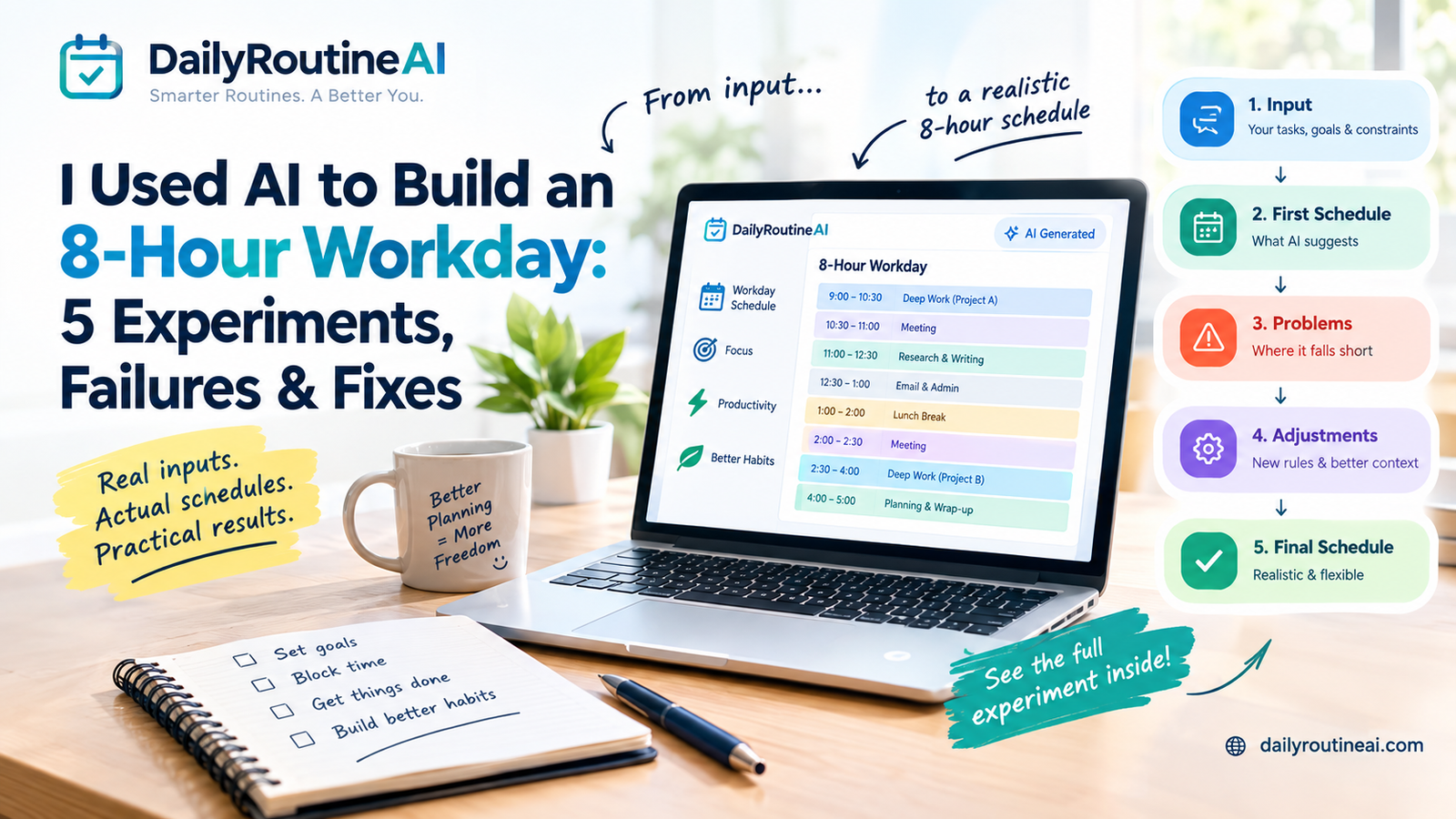

Creating a daily routine with AI is easy.
Creating one that you can actually follow is harder.
You can ask an AI chatbot to:
“Create a productive daily routine for me.”
and receive a beautifully organized schedule in seconds.
The problem is that the schedule may have no idea what your real day looks like.
It may underestimate how long tasks take, fill every available hour, ignore travel time, place demanding work at the wrong time, or assume that nothing unexpected will happen.
A useful AI routine should therefore be treated as a planning draft that responds to your real constraints, not as a perfect schedule generated from a single prompt.
In this guide, you’ll learn how to use AI to create a realistic daily routine, what information to provide, how to test the resulting schedule, what common AI planning mistakes to look for, and when a dedicated AI planner may be more useful than a general chatbot.
Quick Answer: How Do You Create a Daily Routine With AI?
Give the AI five types of information:
- Fixed commitments — work, school, appointments, meetings.
- Flexible tasks — activities that can move if necessary.
- Goals — what you actually want to accomplish.
- Constraints — sleep, commute, family responsibilities, available time.
- Preferences — when you prefer exercise, focused work, meals, or breaks.
Then ask AI to create a schedule with realistic time estimates and unused buffer time.
Finally, stress-test the schedule by changing one part of your day and seeing whether the plan can recover.
The quality of the routine depends heavily on the quality of the information you provide.
What Can AI Actually Do With a Daily Routine?
The phrase “AI routine” can describe several different types of tools.
A general chatbot can generate a schedule from a prompt.
A dedicated AI planner may connect tasks with calendars and automatically schedule or reschedule work.
A habit-focused application may concentrate on repeated behaviors rather than scheduling your entire day.
These are not the same thing.
| Planning approach | Main function | Automatic schedule changes | Typical use |
|---|---|---|---|
| AI chatbot | Generates a plan from your instructions | Usually manual | Creating a routine |
| AI routine generator | Builds a routine around goals and constraints | Depends on tool | Personal planning |
| AI calendar scheduler | Places tasks around calendar events | Often supported | Work scheduling |
| Habit tracker | Tracks repeated behaviors | Usually limited | Habit consistency |
| Adaptive planner | Reworks plans as circumstances change | Depends on implementation | Unpredictable schedules |
This distinction matters because an application having an “AI” feature does not automatically mean it can manage your entire day.
Current AI-planning products vary significantly in how they handle scheduling, adaptation, calendars, habits, and user control.
Why a Simple AI Routine Prompt Often Fails
Try this:
Create a productive daily routine for me.
The answer might look impressive.
But the AI doesn’t know:
- when you actually work
- how long your commute takes
- which meetings cannot move
- which tasks are urgent
- which tasks can wait
- when you normally sleep
- how long your tasks take
- whether you have family responsibilities
- when you have the most energy
- how much unplanned time you need
The result can therefore be organized but unrealistic.
A better routine begins with constraints.
Step 1: Give AI Your Fixed Commitments
Start with the things that cannot easily move.
For example:
Work: 9:00 AM–5:00 PM
Commute: 30 minutes each way
Lunch: 1:00 PM
Meeting: 10:00–10:30 AM
Meeting: 3:00–4:00 PM
Sleep target: 11:00 PM
Do this before adding optional tasks.
Why?
Because your routine should be built around reality rather than forcing reality into a predetermined schedule.
Step 2: Separate Fixed Tasks From Flexible Tasks
This is one of the most important steps.
Fixed
- Doctor appointment
- Work shift
- School pickup
- Meeting
- Class
- Medication reminder
- Deadline
Flexible
- Exercise
- Reading
- Personal project
- Housework
- Learning
- Planning tomorrow
Tell the AI which tasks can move.
That gives the system more useful information when it needs to reorganize the day.
Step 3: Give AI Your Actual Goals
Don’t give it 25 vague goals.
Start with the outcomes that matter most.
For example:
Today's priorities:

1. Finish the client proposal.
2. Complete the project meeting preparation.
3. Exercise for 30 minutes.
4. Spend 45 minutes on my side project.
5. Prepare tomorrow's priorities.
This is more useful than:
“Make me productive.”
Step 4: Tell AI How Much Time You Really Have
This is where many AI-generated schedules become unrealistic.
Suppose you have eight waking hours available outside work.
That does not mean you have eight hours available for productive tasks.
You may need:
- meals
- commuting
- transitions
- preparation
- breaks
- family responsibilities
- unexpected interruptions
- recovery time
Tell the AI about those constraints.
Step 5: Tell AI to Leave Buffer Time
This is one of the most important improvements I would make to your old article.
Use a prompt such as:
Build my daily schedule around the fixed commitments I provided. Do not fill every available minute. Leave reasonable buffer time between demanding activities and keep at least one flexible period available for unexpected work.
A schedule that uses 100% of your available time is fragile.
A schedule with some capacity left over has room to recover.
Step 6: Add Energy or Focus Information Carefully
You can tell an AI when you normally prefer demanding work.
For example:
I usually have better concentration between 9 AM and noon.
My energy tends to drop after 3 PM.
Place writing and analytical work earlier when possible.
Put routine administrative work later.
But don’t assume every AI planner automatically understands your biological or cognitive patterns.
Some tools may support such personalization; others may simply follow the instructions you provide.
Step 7: Generate the First Draft
Now give the AI everything it needs.
Copy-and-paste prompt
Create a realistic daily schedule using the information below.
Fixed commitments:
[add fixed commitments]
Flexible tasks:
[add flexible tasks]
Top priorities:
[add priorities]
Available working time:
[add available time]
Typical high-energy period:
[add time]
Typical low-energy period:
[add time]
Constraints:
[add sleep, commute, family, appointments, etc.]
Rules:
- Do not schedule more work than realistically fits.
- Separate fixed and flexible activities.
- Include breaks and transition time.
- Leave buffer time for unexpected tasks.
- Protect my highest-priority work.
- Do not assume every task can be completed today.
- Clearly identify anything that should move to another day.
After creating the schedule, explain why you placed the most important tasks where you did.
Step 8: Don’t Accept the First Schedule Automatically
This is where AI planning should become a feedback loop.
Ask:
Does the schedule contain too much?
If yes, remove or postpone something.
Are the most important tasks protected?
If no, rearrange them.
Are there realistic breaks?
If no, add them.
Is there transition time?
If no, add it.
Does the schedule leave room for interruptions?
If no, create a buffer.
The goal is not to produce the most impressive schedule.
The goal is to produce one you can realistically execute.
A Realistic Example
Imagine someone has this day:
- 9 AM–5 PM work
- 30-minute commute
- Two meetings
- 90-minute project
- 45-minute report
- 30-minute exercise
- Dinner
- 45-minute learning session
A poor AI routine might attempt to place everything into consecutive blocks.
A better routine would consider:
Fixed commitments → priority work → meetings → transitions → exercise → flexible tasks → buffer → recovery.
The important difference isn’t simply the number of time blocks.
It’s whether the schedule has enough capacity to survive a normal interruption.
The 5-Minute AI Routine Stress Test
This is the section I would make one of the article’s unique features.
After generating your routine, test it.
Test 1: A meeting runs late
Move a 30-minute meeting 20 minutes later.
Does the rest of the schedule collapse?
Test 2: A task takes twice as long
Change a one-hour task to two hours.
What gets moved?
Test 3: You lose one hour
Remove one hour from the afternoon.
Does the system protect your highest-priority work?
Test 4: Your energy is lower
Move your most demanding task into a lower-energy period.
Does the routine still make sense?
Test 5: An unexpected task appears
Add a 30-minute urgent task.
Does the routine have enough flexibility to absorb it?
If the answer is “everything has to move,” your schedule was probably too tightly packed.
What AI Cannot Know About Your Day?
AI can help structure information, but it does not automatically know your real-world circumstances.
It may not know:
- that your commute was delayed
- that a meeting will run over
- that a task is politically sensitive at work
- that your child needs attention
- that you’re more tired than usual
- that a supposedly 30-minute task normally takes 90 minutes
- that you need recovery time after certain activities
That is why human review remains important.
AI should help you make planning decisions rather than remove your ability to make them.
AI Routine vs. Traditional To-Do List
A to-do list answers:
What do I need to do?
A calendar answers:
When do I have commitments?
A routine answers:
How do I want my day to operate?
An AI planner attempts to connect those pieces.
That can be useful when your problem isn’t remembering tasks but deciding what should happen when.
When a Dedicated AI Daily Planner Makes More Sense
A general AI chatbot may be enough if you:
- only need an occasional schedule
- don’t need calendar integration
- prefer manual control
- don’t have many recurring commitments
A dedicated AI planner may be more useful if you regularly need to:
- organize tasks around calendar events
- reschedule work
- manage recurring routines
- adjust plans when priorities change
- maintain a structured daily workflow
However, features vary considerably between products, so evaluate the actual workflow rather than choosing a tool simply because it advertises itself as “AI-powered.” Current comparison guides make similar distinctions between AI schedulers, task planners, habit systems, and broader productivity applications.
Where DailyRoutineAI’s Routine Architect Fits
DailyRoutineAI’s Routine Architect takes a routine-first approach.
Instead of starting with an empty task database, the current interface begins with “Design your ideal day” and asks the user to provide information about their goals and lifestyle. The stated output is a tailored daily schedule and recommendations for tools that can support habits.
That makes it particularly relevant when the problem is:
“I know what I want to accomplish, but I don’t know how to turn it into a realistic day.”
A practical way to use it
Start with your actual circumstances rather than an idealized version of yourself.
Include:
- your normal schedule
- responsibilities
- priorities
- goals
- habits
- constraints
- available time
Then review the resulting routine and adjust anything that does not reflect your real life.
Try the Routine Architect:
DailyRoutineAI Routine Architect
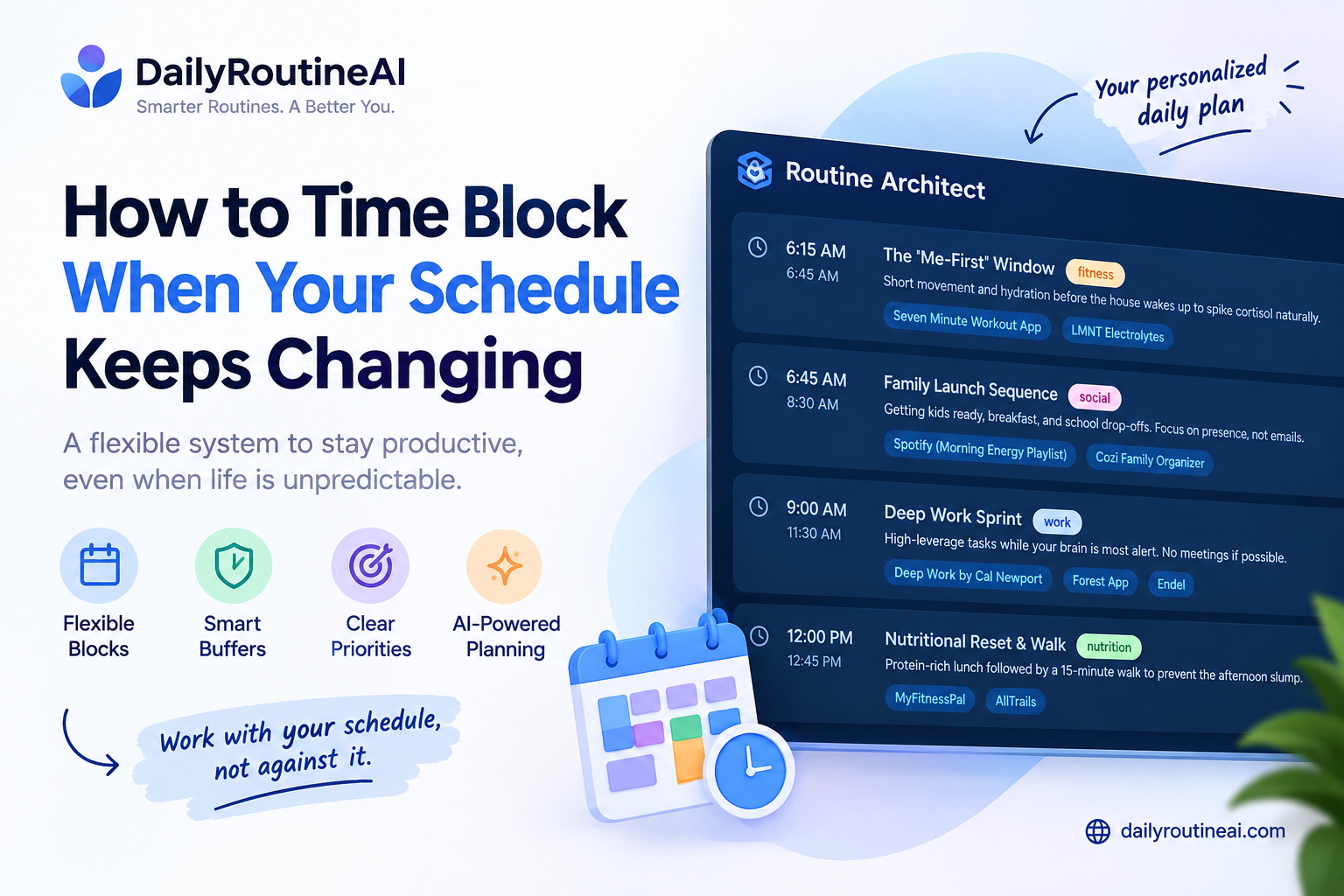
How to Build a Routine That Survives Schedule Changes
A good routine should not require every day to look identical.
If your schedule changes regularly, use flexible blocks rather than fixed times wherever possible.
For example:
Instead of:
Exercise at 6:30 PM every day.
Use:
Exercise for 30 minutes during the first available non-meeting window after work.
This makes the routine more resilient.
This approach becomes especially important for shift workers, freelancers, parents, healthcare workers, and people whose work schedules change frequently. DailyRoutineAI’s newer guide on irregular work hours explores this problem in more detail.
Common Mistakes When Using AI to Plan Your Day
1. Asking for a “perfect” routine
Perfect schedules are usually fragile.
2. Giving AI too little information
A vague prompt produces a generic schedule.
3. Scheduling every minute
This leaves no room for reality.
4. Treating AI estimates as facts
AI may underestimate task duration.
5. Ignoring transitions
Moving from one activity to another takes time.
6. Keeping too many priorities
If everything is important, prioritization has not happened.
7. Never reviewing the routine
A schedule should change when your circumstances change.
8. Assuming every AI planner works the same way
Features such as automatic rescheduling, calendar integration, behavioral adaptation, and habit tracking vary between products.
A Better Daily AI Planning Loop
Instead of:
Prompt → Schedule → Done
use:
Plan → Execute → Observe → Adjust → Review
Morning
Ask:
What are today’s three most important outcomes?
During the day
If something changes:
Rebuild the remaining schedule around the new constraint while protecting today’s highest-priority task.
Evening
Ask:
Which tasks took longer than expected, what disrupted the schedule, and what should change tomorrow?
Weekly
Review:
- recurring delays
- unrealistic estimates
- frequently postponed tasks
- overloaded days
- missing recovery time
This turns AI from a one-time schedule generator into a planning feedback tool.
FAQ
Can ChatGPT create a daily routine?
Yes. A general AI chatbot can generate a routine when you provide enough information about your schedule, goals, tasks, and constraints. It may require manual updates when your circumstances change.
What information should I give AI for a daily routine?
Start with fixed commitments, flexible tasks, priorities, available time, sleep schedule, commute, responsibilities, and any preferences that affect when you work best.
Can AI automatically adjust my daily routine?
Some dedicated AI planning applications support automatic rescheduling or calendar-based adjustments, while a general chatbot normally requires you to provide the new information and request an updated plan.
Is an AI-generated routine always realistic?
No. AI can make incorrect assumptions about task duration, priorities, energy, or available time. Review and stress-test the schedule before relying on it.
Should an AI routine include every task?
No. A useful routine should distinguish between essential work, flexible tasks, and activities that can move to another day.
Is an AI planner better than a to-do list?
They solve different problems. A to-do list primarily records tasks; an AI planner may help decide when tasks should happen and how the schedule should change.
How much buffer time should I leave?
There is no universal percentage that works for everyone. Start with enough space to absorb normal interruptions and adjust it based on your actual experience.
Final Takeaway
AI can generate a daily schedule in seconds.
That does not mean the first schedule is a good one.
The better approach is to give AI real constraints, clear priorities, realistic time estimates, and room for interruptions, then test the result against the kinds of disruptions that normally derail your day.
The most useful AI routine is not necessarily the one that fills the most hours.
It is the one that gives you a realistic plan and can be adjusted when real life changes.